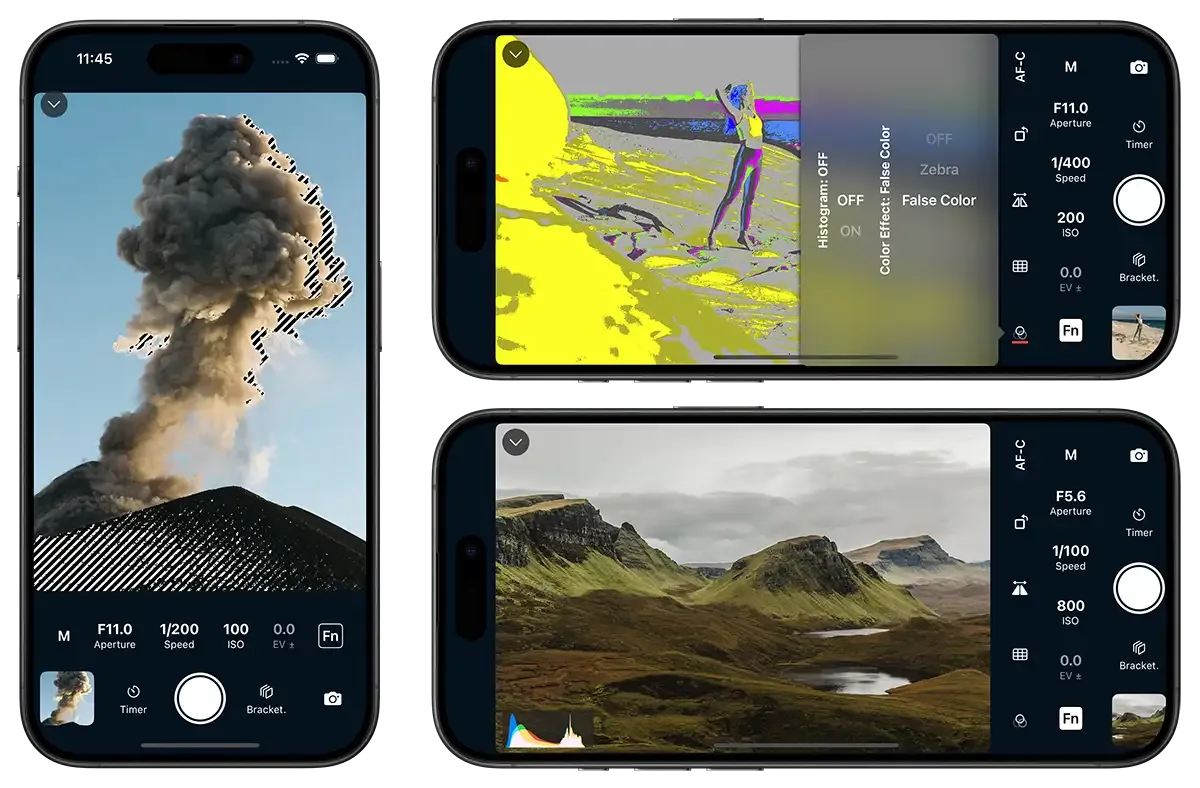
Exposure Assist Tools
Properly expose all of your photos & videos by using advanced tools like histograms, zebra stripes or false colour.
Properly expose all of your photos & videos by using advanced tools like histograms, zebra stripes or false colour.
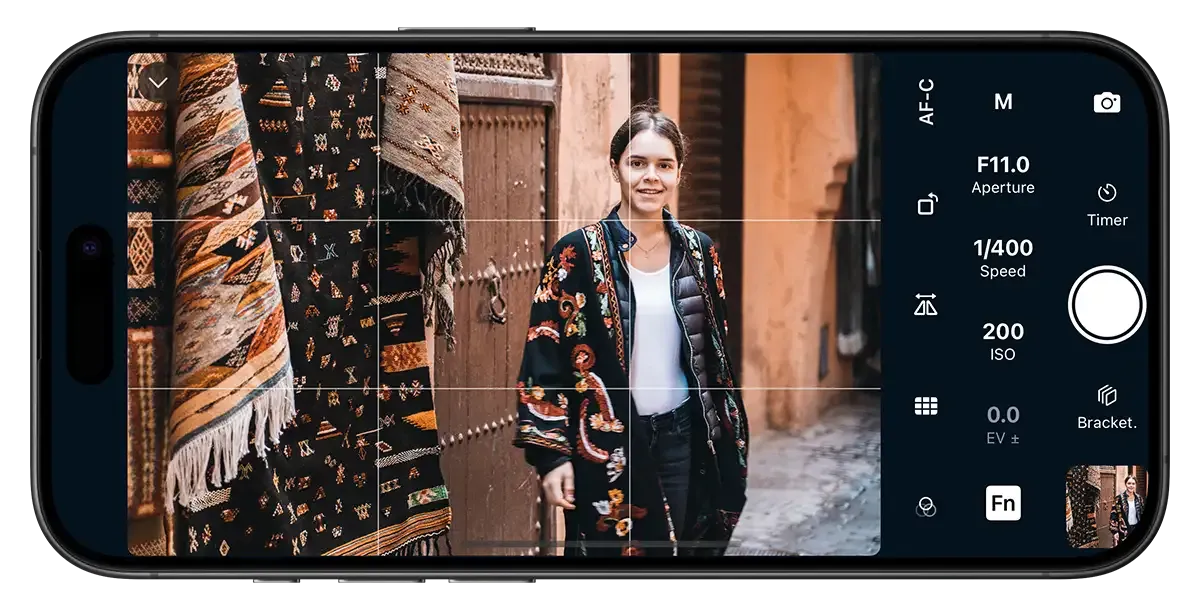
Compose your shots using grid overlays. Make your images stand out on social media using square or 5:4 aspect ratio (best for Instagram).
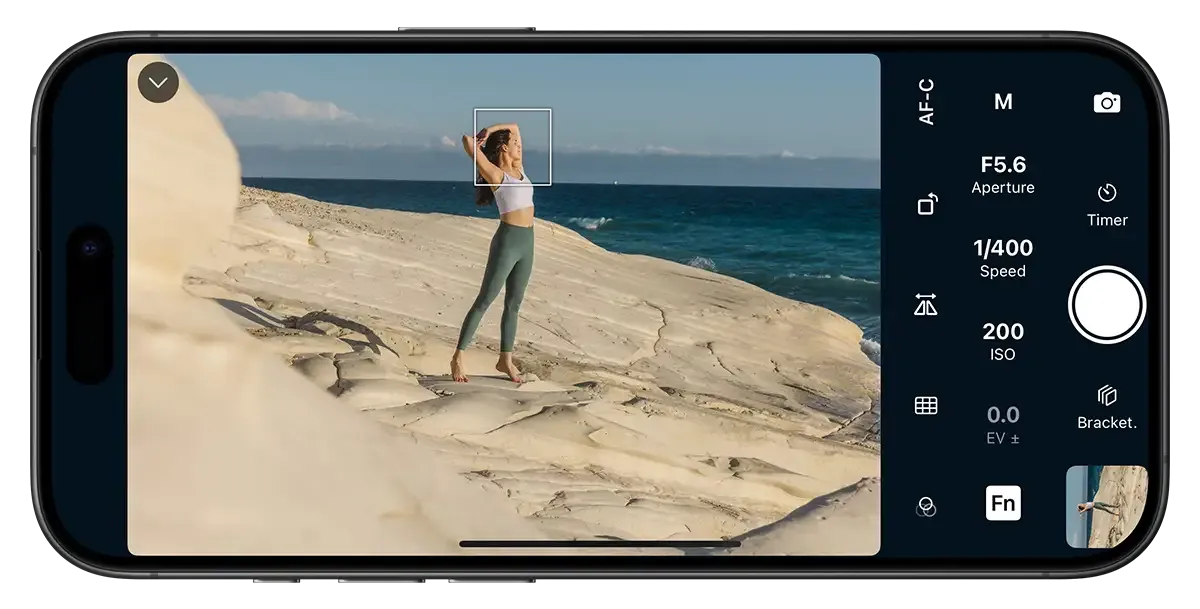
Accurately control your camera's autofocus to make your subjects perfectly sharp and in focus. Rapidly change your focal point for moving subjects.
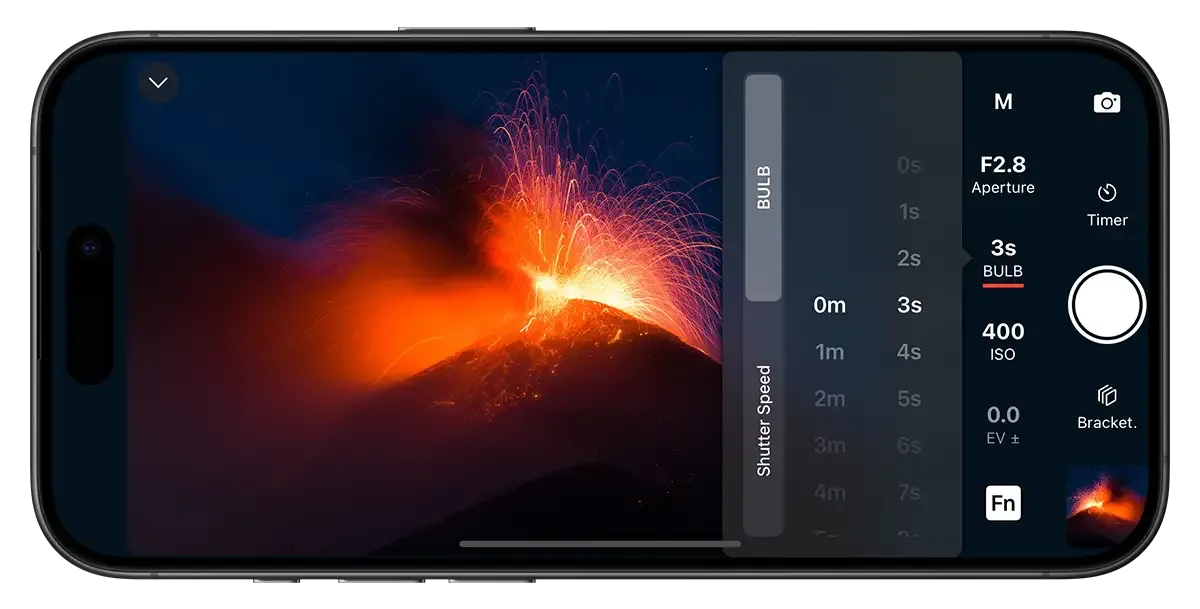
Take full control of the BULB feature and set the exact exposure time you need for ultra long exposures directly from the app.
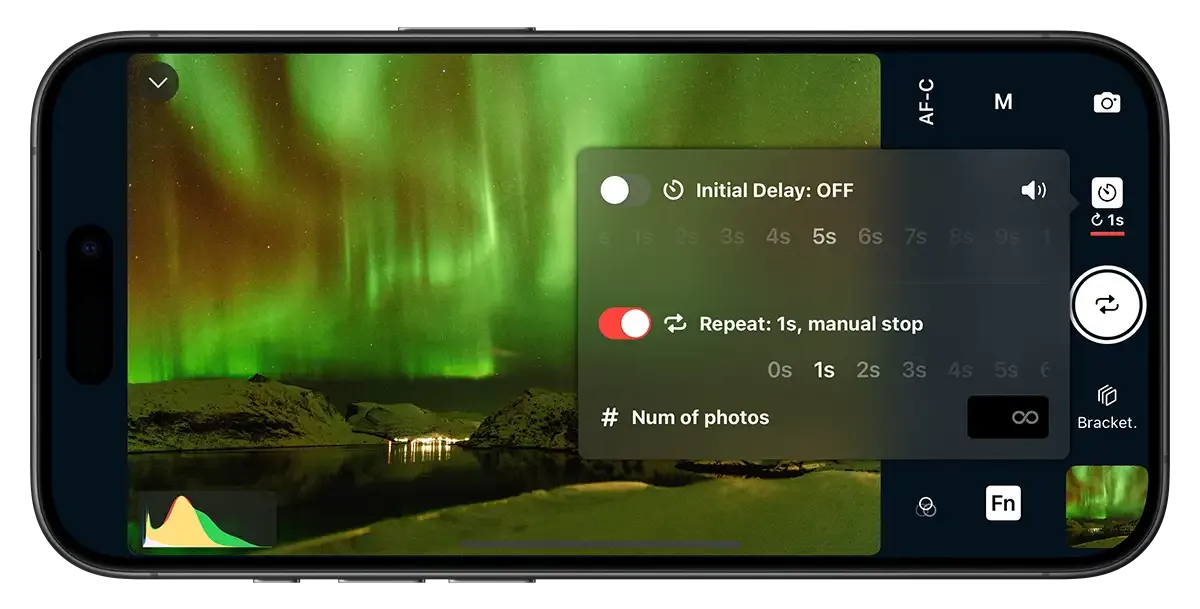
Schedule multiple photos and set the interval time accordingly. Great for selfies, group photos, astrophotography or time-lapse in RAW.
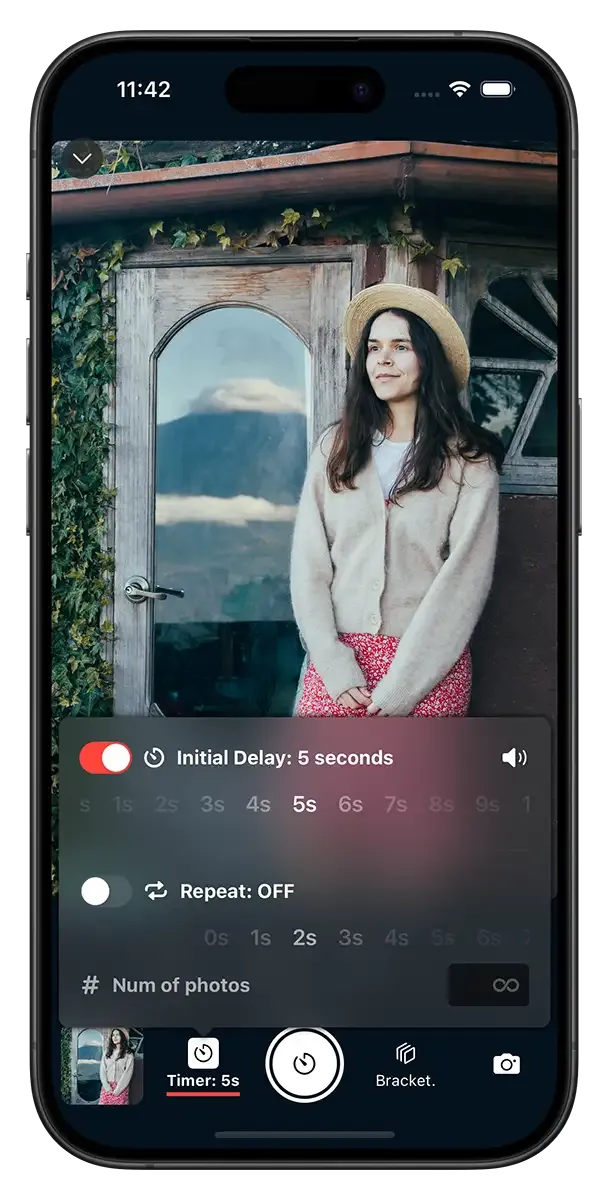
Set an initial delay to allow yourself plenty of time to get in the frame. Combine with the intervalometer for multiple poses.
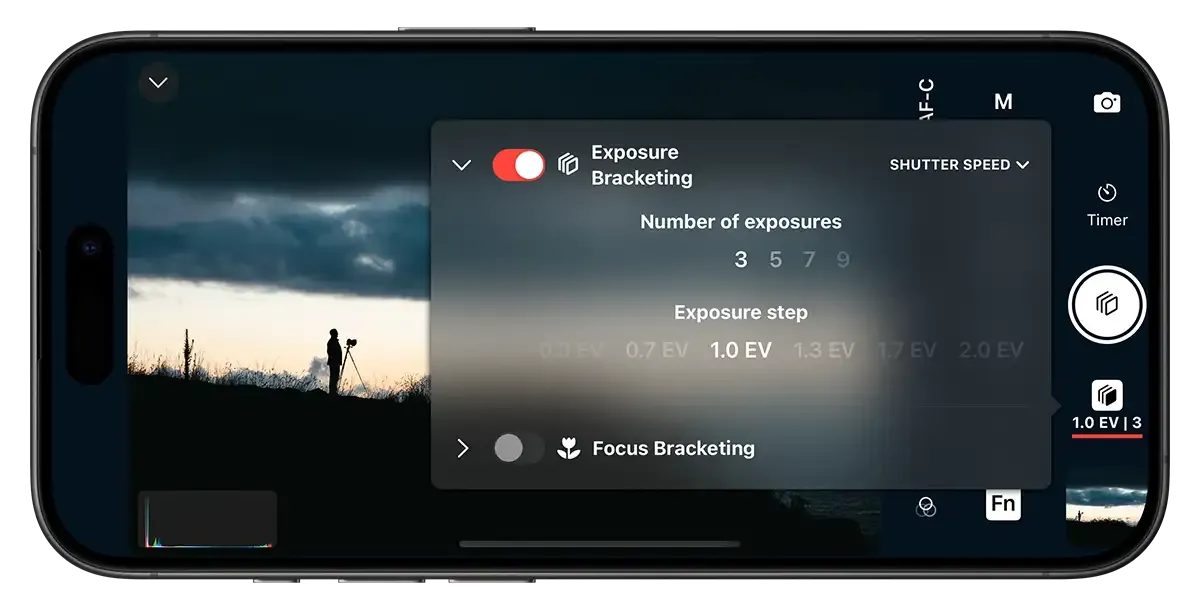
Control and configure exposure bracketing directly from the app. Preserve highlight and shadow detail of high dynamic range scenes.
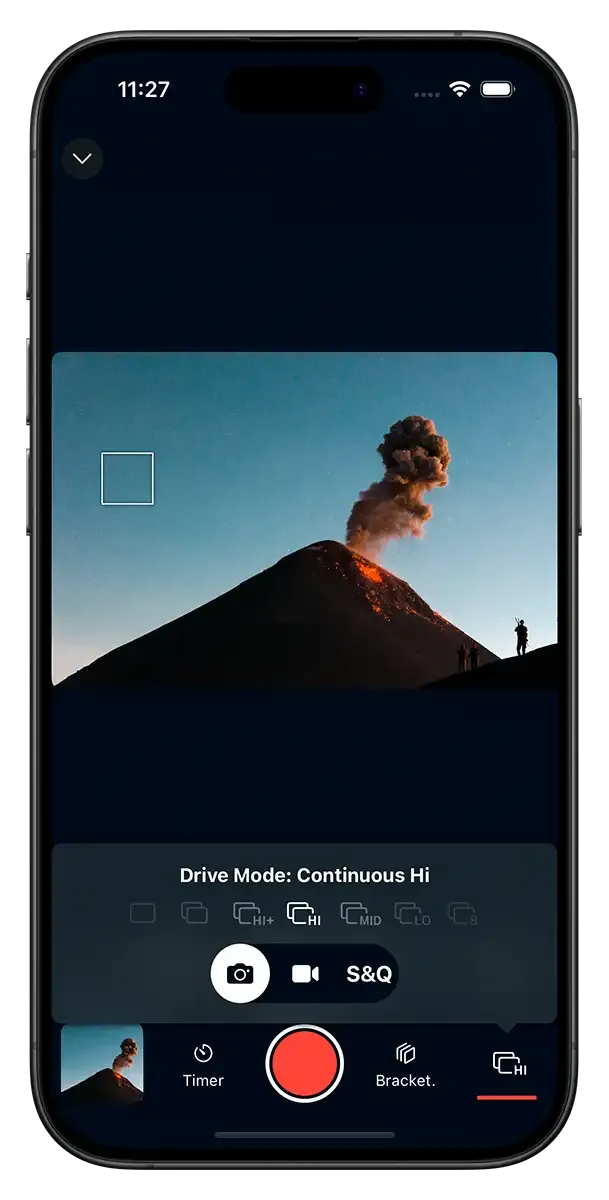
The app gives you full access to burst/continuous shooting modes on your camera.
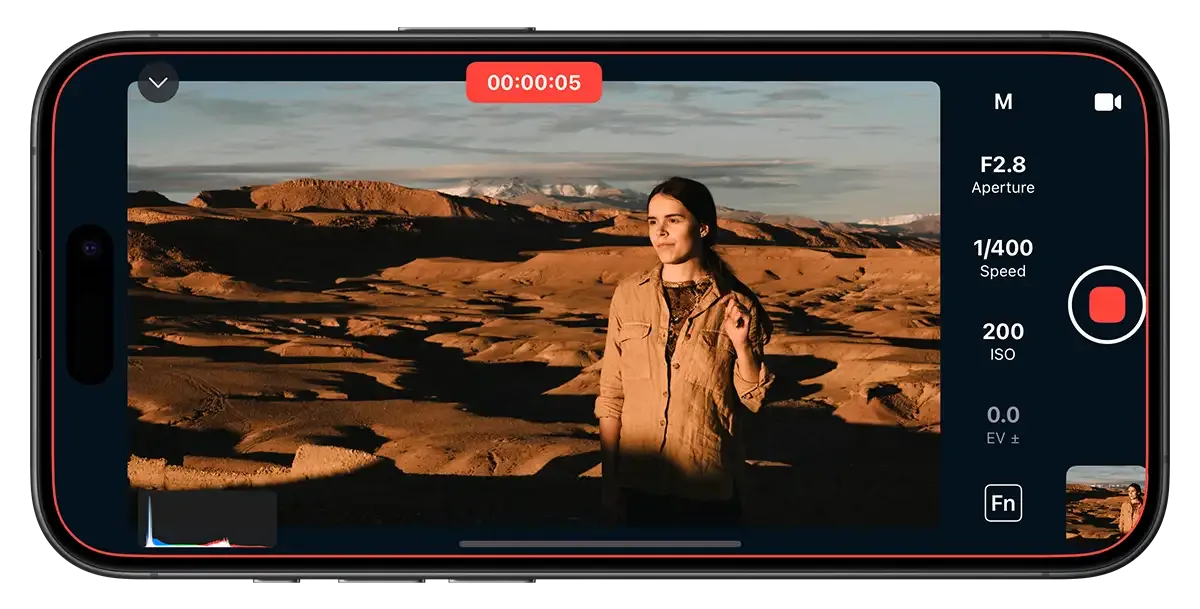
No need for expensive external monitors. Control the video features on your camera from your iPhone or iPad.
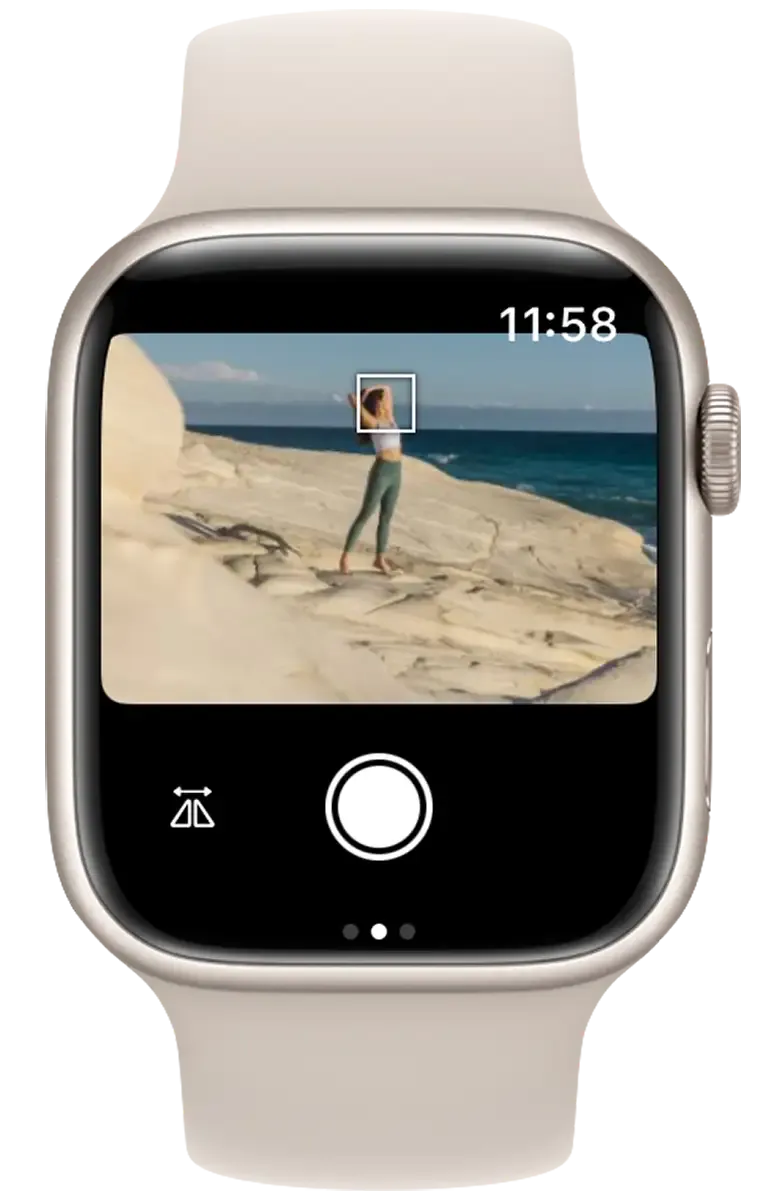
Get many of the features of Shutter using your Apple Watch.